Can You Play GTA VI on a Mac, iPhone or iPad? Only Through Remote Play
Grand Theft Auto VI launched on PS5 and Xbox Series X|S only, and its Xbox Cloud Gaming version is announced for Xbox consoles. On Apple devices, the official route is streaming from a console you own with PS Remote Play or Xbox Remote Play. VetTV News has not tested it.

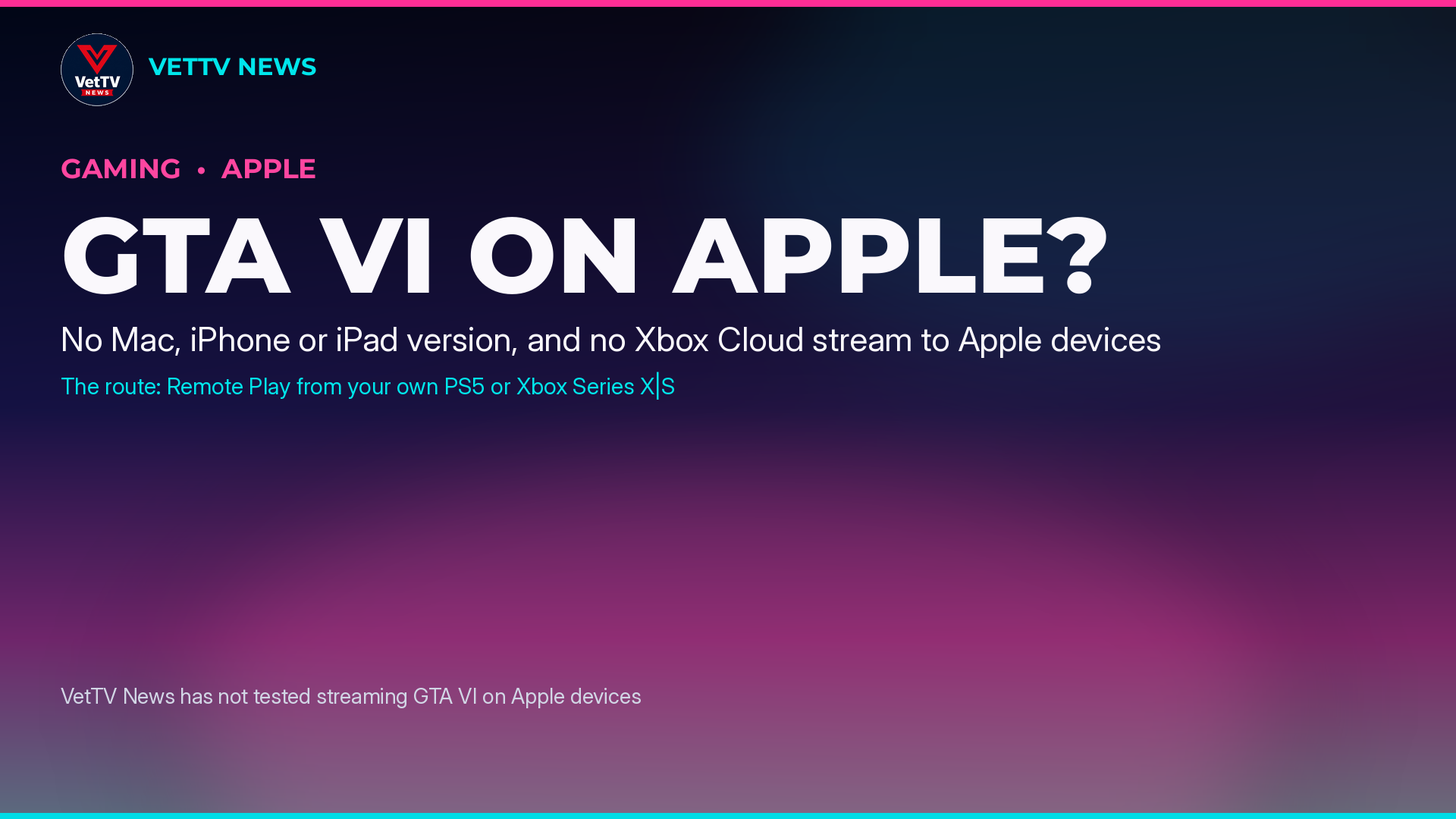
The short answer is no, not directly. Grand Theft Auto VI has no version for Mac, iPhone or iPad, and the one cloud option Microsoft announced for launch day doesn’t reach Apple devices. If you own a PlayStation 5 or an Xbox Series X|S, though, there is an official way to get the game onto an Apple screen: Remote Play.
VetTV News has not tested streaming GTA VI to a Mac, iPhone or iPad. What follows comes from Rockstar’s, Sony’s, Microsoft’s and Apple’s own pages, checked on the morning of November 19.
Where GTA VI actually runs
Rockstar’s launch-day release, published by Take-Two on November 19, says the game “is now available for the PlayStation® 5 computer entertainment systems and the Xbox Series X|S games and entertainment system.” It names no other platform. As we reported when it went live overnight, the U.S. unlock was 11:00 p.m. CT on November 18, and no official PC version or PC date has been announced.
Why Xbox Cloud Gaming doesn’t help on Apple devices
Xbox Cloud Gaming normally runs in a web browser on iPhone, iPad and Mac. Microsoft’s supported-browsers page lists iOS 14.4, iPadOS 14.4 and macOS 14.1.2 or later for cloud play at xbox.com/play. GTA VI is announced differently.
Xbox Wire’s November 10 post says the game “will be playable on day one through Xbox Cloud Gaming on Xbox One and Xbox Series X|S, starting at 1am ET,” which was midnight CT on November 19. Rockstar’s November 10 Newswire post uses the same wording: the game is “available via XBOX Cloud Gaming on XBOX Series X|S and XBOX One consoles, utilizing XBOX Series S graphics settings.” Neither post names phones, tablets, browsers or computers. Windows Central reported the same day that the cloud version “is only limited to Xbox consoles” and that you “can’t stream it on PC or mobile devices via the cloud.”
Neither Microsoft nor Rockstar has said why, or whether that will change. Xbox Wire also notes that the game “must be purchased separately” for cloud play.
The official route: Remote Play from your own console
Remote Play is different from cloud gaming. The game runs on a console in your home, and your Apple device shows the picture and sends back your controller inputs. Rockstar’s Newswire post says: “GTAVI will also fully support Remote Play on PlayStation and XBOX.”
You need three things: a PS5 or an Xbox Series X|S, your own copy of GTA VI installed on it, and a fast, steady connection at both ends.
From a PS5: Sony’s PS Remote Play app
Sony makes PS Remote Play for all three Apple platforms.
- iPhone and iPad: The App Store listing says the free app requires iOS 16.0 or iPadOS 16.0 or later. It supports the DualSense, the DUALSHOCK 4 and, on iOS or iPadOS 16.4 or later, the DualSense Edge, plus the Backbone One PlayStation Edition on iPhone. You can also use on-screen touch controls.
- Mac: Sony offers a direct download, not a Mac App Store app. Its Mac setup page lists macOS Monterey, Ventura, Sonoma, Sequoia and Tahoe, with 40 MB of storage and 2 GB of RAM. Sony’s update notes say version 9.5.0 for Mac dropped macOS Big Sur. A DualSense connects over Bluetooth or USB, and Sony says you get haptic feedback over USB. The DualSense Edge pairs over Bluetooth on macOS Ventura 13.3 or later.
- Speed: Sony recommends at least 5 Mbps up and down, and at least 15 Mbps for best performance, according to its Mac and mobile setup pages. The mobile page warns that Remote Play “uses a lot more data than most video streaming services.”
- On the PS5: Go to Settings > System > Remote Play and turn on Enable Remote Play. To wake the console from rest mode, turn on Stay Connected to the Internet and Enable Turning On PS5 from Network under Settings > System > Power Saving > Features Available in Rest Mode. Sign in to the app with the same PlayStation account as the console.
From an Xbox Series X|S: Xbox remote play in a browser
Microsoft’s route runs in a browser rather than through an App Store app. The Xbox Remote Play page tells you to go to xbox.com/remoteplay. It lists an Xbox Series X|S or Xbox One with remote features turned on, a Microsoft account with an Xbox profile, and 5 GHz Wi-Fi or a mobile data connection with at least 10 Mbps down. The setup guide starts with turning on the Sleep power option and remote features on the console.
Microsoft’s pages don’t agree on which Apple devices count. The Remote Play page lists iOS 15.1 or later and doesn’t mention macOS. The supported-browsers page, which covers both xbox.com/play and xbox.com/remoteplay, lists iOS and iPadOS 14.4 or later in Safari 14 or Chrome 85, and macOS 14.1.2 or later in Safari 16, Edge or Chrome 85. It also says mouse and keyboard work on Mac and PC in Edge or Chrome. The Xbox app’s App Store listing describes social, store and remote-install features but doesn’t list remote play among them. iPhone and iPad are on both of Microsoft’s lists. Mac is only on the browser list, so treat Mac as less certain.
One catch for Xbox One owners: Xbox Remote Play streams games installed on your console, and GTA VI doesn’t run natively on Xbox One. Our reading: an Xbox One can’t be the source for this route, so you need a Series X or Series S.
Controllers
GTA VI is a controller game. Apple’s controller guide covers pairing Xbox, PlayStation and other Bluetooth controllers with iPhone, iPad and Mac. Put the controller in pairing mode, then pick it in Bluetooth settings. Sony’s app supports touch controls, and the Xbox page mentions mobile touch controls, but neither Sony nor Microsoft says whether GTA VI has its own touch layout. Plan on a controller.
What about Veyra?
Veyra, the free app we covered in our how-to, adds PC upscaling and frame generation on top of PS5 Remote Play. It runs only on Windows 11, so it is no help on a Mac, iPhone or iPad. It is also unofficial software that we have not tested.
Opinion: set your expectations
This section is opinion. Remote Play is a decent way to play in another room or while traveling, as long as you already own the console. It is not a substitute for playing on the console itself. Your picture depends on your home connection’s upload speed, and fast driving and gunfights will show any lag or compression first. If you can, connect the console to your router with a cable, use 5 GHz Wi-Fi on the Apple side, and expect a softer image than on your TV.
Apple Scoop published a similar explainer on November 16. We relied on the primary sources above, not on its reporting.
Sources: Take-Two/Business Wire: Rockstar Games Announces Grand Theft Auto VI Now Available, Nov. 19, 2026, Xbox Wire: Grand Theft Auto VI Comes to Xbox Cloud Gaming on November 19, Nov. 10, 2026, Rockstar Newswire: Pre-Load Grand Theft Auto VI Now, Nov. 10, 2026, Windows Central, Nov. 10, 2026, 10:30 a.m. CT, PlayStation: PS Remote Play, PlayStation: Control your PS5 console from a Mac, PlayStation: Control your PS5 console from a mobile device, PlayStation: PS Remote Play update information, App Store: PS Remote Play, Xbox: Xbox Remote Play, Xbox Support: Supported browsers for cloud gaming and remote play on the web, Xbox Support: How to set up remote play, App Store: Xbox, Apple Support: Connect a wireless game controller to your Apple device, Apple Scoop, Nov. 16, 2026
Cover: Original typographic artwork by VetTV News. No third-party photos, screenshots, or leaked images were used.
Sources
- Take-Two/Business Wire: Rockstar Games Announces Grand Theft Auto VI Now Available, Nov. 19, 2026 taketwointeractivesoftwareinc.gcs-web.com
- Xbox Wire: Grand Theft Auto VI Comes to Xbox Cloud Gaming on November 19, Nov. 10, 2026 news.xbox.com
- Rockstar Newswire: Pre-Load Grand Theft Auto VI Now, Nov. 10, 2026 rockstargames.com
- Windows Central, Nov. 10, 2026, 10:30 a.m. CT windowscentral.com
- PlayStation: PS Remote Play playstation.com
- PlayStation: Control your PS5 console from a Mac remoteplay.dl.playstation.net
- PlayStation: Control your PS5 console from a mobile device remoteplay.dl.playstation.net
- PlayStation: PS Remote Play update information remoteplay.dl.playstation.net
- App Store: PS Remote Play apps.apple.com
- Xbox: Xbox Remote Play xbox.com
- Xbox Support: Supported browsers for cloud gaming and remote play on the web support.xbox.com
- Xbox Support: How to set up remote play support.xbox.com
- App Store: Xbox apps.apple.com
- Apple Support: Connect a wireless game controller to your Apple device support.apple.com
- Apple Scoop, Nov. 16, 2026 applescoop.org