How to Stream PS5 Games to a Windows 11 PC With Veyra
The free Windows 11 app sits on top of PlayStation Remote Play and can add GPU upscaling and frame generation. People are using it to play Grand Theft Auto VI on a PC monitor. VetTV News has not tested Veyra, and it is not official Sony or Rockstar software.

A free Windows 11 app called Veyra is circulating as a way to play Grand Theft Auto VI on a PC, even though there is still no official PC version. The app does not port the game. It streams the picture from a PlayStation 5 over Remote Play, then can run upscaling and frame generation on the PC’s GPU.
@ziwenxu_ laid out a four-step setup in a November 18 post at 4:17 p.m. CT, and replied with the repository link. When VetTV News checked shortly after midnight CT on November 19, that post had 509 likes and about 78,000 impressions. The latest packaged release, Veyra 2.1.9, published November 15, 2026, at 9:51 a.m. CT, is titled in Chinese as a greeting for GTA 6’s arrival.
Veyra is not official software from Sony, PlayStation, or Rockstar Games, and it is not affiliated with them. Sony already publishes an official PS Remote Play app for PC and Mac. Veyra is a third-party Windows app that adds GPU enhancement on top of an unofficial Remote Play session. VetTV News has not tested Veyra. We have not run the program, timed input lag, or checked the developer’s performance claims.
How it works
Veyra’s v2.1.9 README describes the program as a real-time GPU video enhancement tool for Windows. It can take local videos, capture-card input, screen capture, and game streams — including PS5 Remote Play — and run them through one processing pipeline. The features it advertises include super resolution, denoising, HDR handling, and frame generation.
On the PS5 path, the game still runs on the console. Veyra’s Remote Play code is built around Chiaki, an unofficial implementation of the Remote Play protocol. The README says the Remote Play stream can be discovered on the local network, or you can type the console’s IP address, then pair the PC with a PSN Account ID and the console’s eight-digit pairing code. Saved consoles can reconnect later without pairing again. The in-app quality list goes up to 1080p at 60 fps, which matches the README’s description of this path as a Remote Play stream rather than a full-resolution HDMI capture.
After the stream is up, the README says to leave effects off at first, confirm picture and sound, and only then turn effects on one at a time. High resolution, stacked enhancement, and frame generation raise GPU and VRAM use.
The repository description markets the project as a way to “Bring PS5 GTA6 to 120FPS with DLSS 5.” Treat that wording as the developer’s marketing, not a result VetTV News measured. The same README is more cautious, saying community runtimes “are not vendor certification or a complete official DLSS 5 integration.”
What you need
The README says you need Windows 11 x64 and DirectX 12. Download the portable zip that matches the GPU Veyra will use: Veyra-2.1.9-NVIDIA-win64-portable.zip or Veyra-2.1.9-AMD-win64-portable.zip, from the official 2.1.9 release. Extract the zip with Windows or 7-Zip into a new writable folder, then run veyra_qml_ui.exe. Qt and approved runtimes are bundled; GPU drivers are installed separately. The README says most of the developer’s local tests used an RTX 5070, and that backend hardware needs vary.
You also need a PS5 on the same network, Remote Play enabled, and a copy of the game on that console. A capture card is a separate, optional path in Veyra and is not required for this Remote Play setup.
Step-by-step setup
These steps follow the v2.1.9 README and the in-app PS5 dialog in the published source, and they match the order in @ziwenxu_’s post. Where the two differ in wording, the README and the source labels are the ones to follow.
- On the PS5, go to Settings → System → Remote Play and turn on Enable Remote Play. Open Link Device to get the eight-digit pairing code when you need it. The official PlayStation path for enabling Remote Play is the same Settings → System → Remote Play screen.
- From the official GitHub Releases page, download only the NVIDIA or AMD Windows portable zip that matches your GPU, plus the SHA256SUMS.txt file from the same release. Check the zip’s SHA-256 hash against that file and stop if it does not match. The sums we verified are listed in the safety notes below.
- Extract the zip into a new writable folder. Do not mix files from an older Veyra package into the new folder. Run
veyra_qml_ui.exe. - On the Home screen, choose PS5. Let Veyra discover the console, or type its IP address.
- Click Get Account ID. In the v2.1.9 source, that button opens a fixed public page at PSNTools in your default browser; the code comment says no account IDs, pairing credentials, or login tokens are sent with that request. Copy the numeric Account ID, or the 8-byte Base64 form, back into Veyra. The dialog says this is not your PSN online ID, or nickname. PSNTools is a third-party site, not a Sony page.
- Enter the eight-digit code from the PS5’s Link Device screen and choose Pair and Save. The source dialog labels this first-time pairing. If the PS5 later asks for a login PIN, that is a separate console prompt, not the eight-digit pairing code and not a PSN password.
- Choose a stream profile. The published dialog lists 720p or 1080p, at 30 or 60 fps. Then connect. The README says saved consoles can reconnect later without pairing again.
- Leave every enhancement off at first and confirm picture, sound, and controller response. Then turn effects on one at a time: upscaling first, then frame generation, checking the result after each change. That order is the one in @ziwenxu_’s post and matches the README’s instruction to enable effects individually.
What to expect, and what we have not tested
This is still a compressed Remote Play stream. The official PlayStation Remote Play app has the same basic limit: the game is encoded on the console and decoded on another device, so the picture is not a lossless HDMI feed. Veyra can then spend more time on that stream by upscaling it and inventing extra frames. In our assessment, that extra processing is likely to add input lag, and the result should be more forgiving for driving and cruising than for firefights. We did not measure lag, frame rate, or image quality, and we are not adopting the developer’s “120 FPS / DLSS 5” claims as fact.
@ziwenxu_ made a similar point in the same post, writing that it is “still a compressed Remote Play stream with frame gen on top, so expect some lag. Better for driving around than shootouts.”
If the stream itself is unstable, the usual Remote Play advice is to fix the network first — a wired connection between the PS5 and the PC is the conservative starting point — and only then add effects. That is practical guidance, not a test result from us.
Safety notes
Download Veyra only from the official GitHub Releases for Likely7/Veyra-NRVideo. Do not use a third-party mirror, a random file-host link, or a zip someone forwarded. Scan the extracted files with your antivirus or Windows Security before you run veyra_qml_ui.exe. VetTV News did not run the program.
The app asks for PlayStation pairing details: a PSN Account ID and the eight-digit Link Device code. In the v2.1.9 source we inspected, the PS5 dialog does not ask for a PSN password. The same source says those credentials are encrypted and stored on the local PC, and that the Get Account ID button opens PSNTools without sending account or pairing data. We were not able to load that PSNTools page ourselves; a request from our tools returned HTTP 403, which can also happen when a site blocks automated visits. Treat PSNTools as a third-party site, and do not paste a PSN password into Veyra or into that page.
Vetting facts, checked on November 19, 2026:
- The project is published as open source under the GNU General Public License v3.0. Chiaki-related Remote Play code is also subject to AGPL-3.0, as the README notes.
- The repository was created on September 9, 2026. The owner account, Likely7, was created on November 13, 2025, UTC (the evening of November 12, 2025, CT). The account has no public name or bio. It has five public repositories.
- When we checked, the repo had 3,732 stars, 262 forks, about 1,447 commits, and 13 human contributors plus a GitHub Actions bot. Recent history includes merged community pull requests. The tree is C++, QML, and Python, with a CMake build, not a binary-only dump.
- Veyra 2.1.9 ships NVIDIA and AMD portable zips, plus a corresponding sources release. The Windows portable zips were uploaded by the maintainer, Likely7, not built by the repo’s GitHub Actions workflows. Those workflows run Linux OBS-filter checks, G-SYNC profile checks, and star-history updates. We did not independently rebuild the Windows packages from source, so we cannot prove the portable zip was compiled from the published 2.1.9 tree.
- The 2.1.9 checksum file lists
Veyra-2.1.9-NVIDIA-win64-portable.zipas4225ecb11a8e96c2826b4b0b798feb811d7ae237f3edf0b627f3b6895c79f362andVeyra-2.1.9-source.zipasb3dfea5f369375823a29be1326d3420b679100da24f1d33072e02f5933b60cd0. We downloaded those two files from the official release and got the same SHA-256 values. We did not download the AMD portable zip; the published sum for that file isf7113db09eff74065cfd9b7044df8db3c301ac5b7ff80f692da56fee2c2bf377. The NVIDIA package we listed, but did not run, contains a single executable,veyra_qml_ui.exe, plus bundled DLLs, QML, and supporting files. - We did not find GitHub issues alleging malware, stolen accounts, or a demand for a PSN password. One open issue, #112, filed November 14, 2026, says an antivirus program deleted the app when the user selected the YUY2 pixel format in version 2.1.6. There were no comments on that issue when we checked. That is an unresolved report, not a confirmed malware finding.
- The current README on the project’s main branch, checked November 19, 2026, said the project had 112,870 portable-package download events, not unique users. The 2.1.9 NVIDIA zip alone had 47,495 downloads when we checked the release assets.
If anything about a download, a hash, or a pairing prompt does not match the official release and the steps above, do not continue.
Veyra remains a third-party Remote Play client. Use it only if you are comfortable pairing a PlayStation account identifier and a console code with unofficial software.
Sources: @ziwenxu_ on X, Nov. 18, 2026, 4:17 p.m. CT, @ziwenxu_ repo reply, Nov. 18, 2026, Veyra-NRVideo GitHub repository, Veyra README, v2.1.9 tag, Veyra 2.1.9 GitHub release, Nov. 15, 2026, 9:51 a.m. CT, Veyra 2.1.9 corresponding sources, Veyra 2.1.9 SHA256SUMS.txt, Veyra LICENSE (GNU GPL-3.0), v2.1.9 tag, Veyra GitHub issue #112, Antivirus blocks YUY2, Nov. 14, 2026, PlayStation: How to use PlayStation Remote Play on PC and Mac
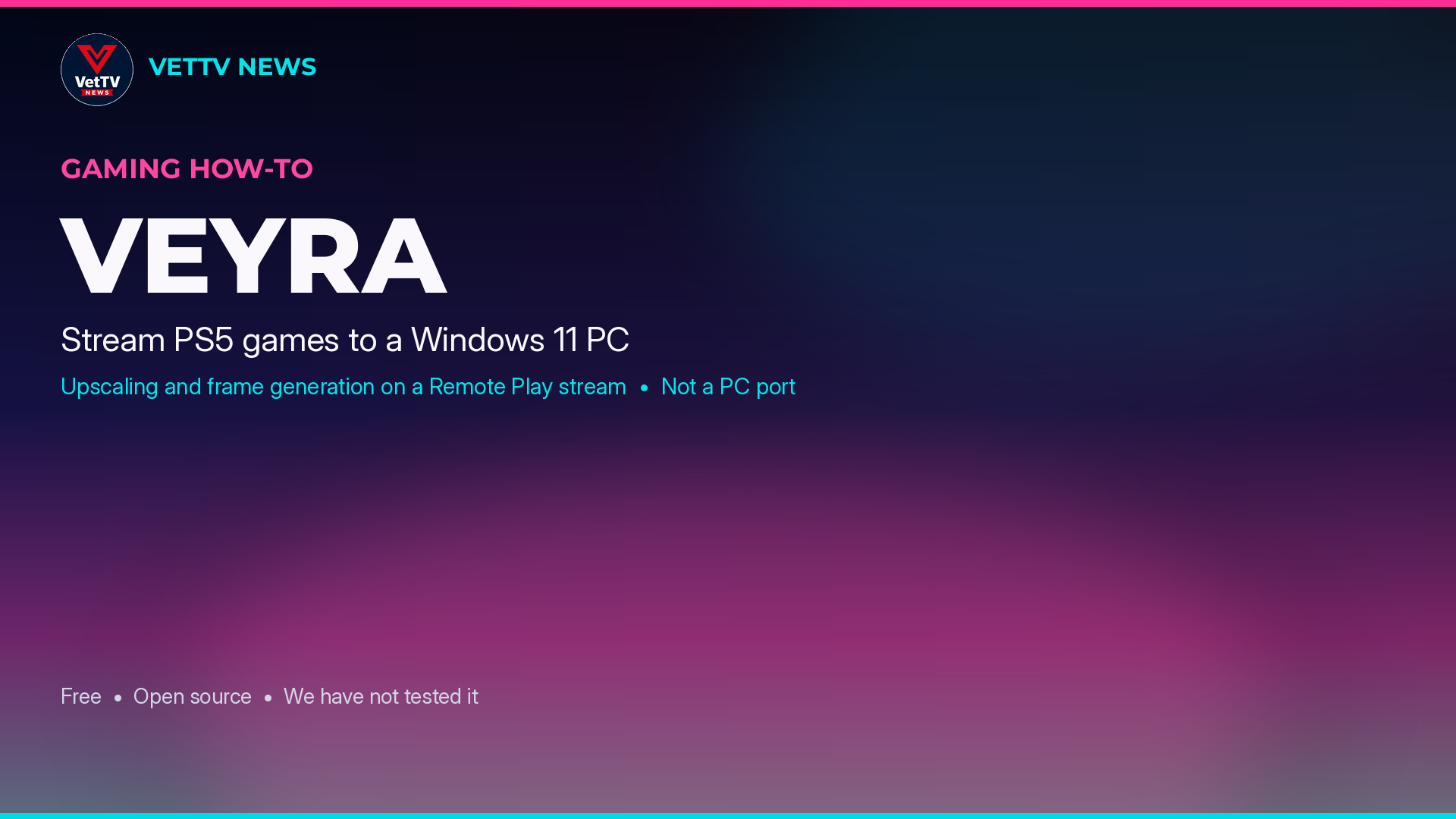
Cover: Original typographic artwork by VetTV News. No Rockstar, PlayStation, or third-party screenshots were used.
Sources
- @ziwenxu_ on X, Nov. 18, 2026, 4:17 p.m. CT x.com
- @ziwenxu_ repo reply, Nov. 18, 2026 x.com
- Veyra-NRVideo GitHub repository github.com
- Veyra README, v2.1.9 tag github.com
- Veyra 2.1.9 GitHub release, Nov. 15, 2026, 9:51 a.m. CT github.com
- Veyra 2.1.9 corresponding sources github.com
- Veyra 2.1.9 SHA256SUMS.txt github.com
- Veyra LICENSE (GNU GPL-3.0), v2.1.9 tag github.com
- Veyra GitHub issue #112, Antivirus blocks YUY2, Nov. 14, 2026 github.com
- PlayStation: How to use PlayStation Remote Play on PC and Mac playstation.com