Microsoft Confirms a Windows 11 Hotpatch Can Cause App Install and Launch Errors
According to a Microsoft service alert reported by BleepingComputer, the November 2026 Windows 11 hotpatch, delivered through Windows Autopatch on version 24H2 and later, can cause ERROR_ALLOTTED_SPACE_EXCEEDED (0xC0000099) when installing, launching, or running apps that load 32-bit msi.dll. Microsoft's public support and release-health pages did not list the issue when we checked. The company's stated workaround is a registry change and a restart.

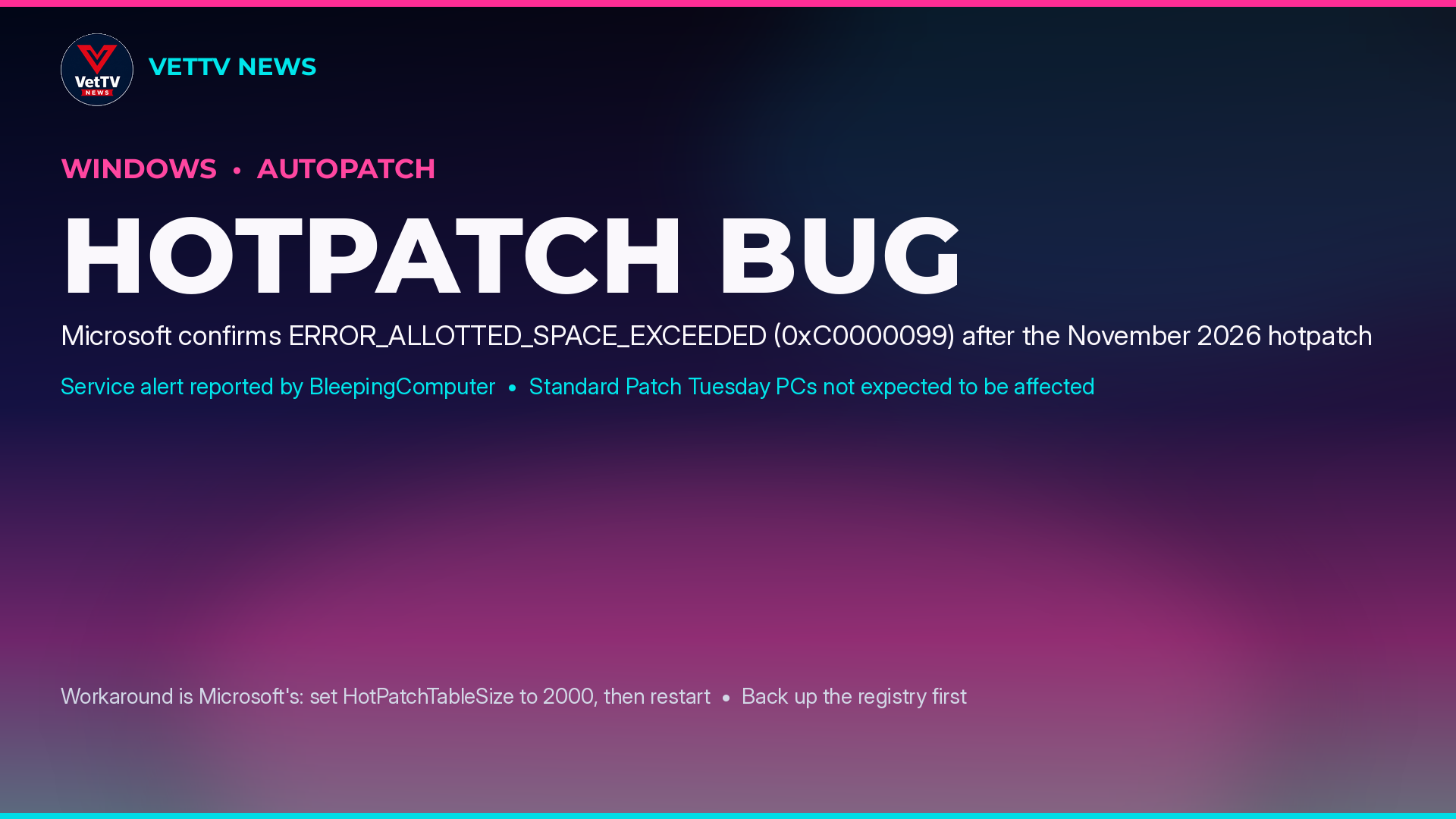
Microsoft has confirmed a problem with this month’s Windows 11 hotpatch, according to a Microsoft service alert reported by BleepingComputer. In that alert, Microsoft told IT administrators: “Devices which installed the November 2026 hotpatch update (the Originating KBs listed above), might experience an error when installing, launching, or running some applications. Resulting from this issue, errors similar to “ERROR_ALLOTTED_SPACE_EXCEEDED (0xC0000099)” are displayed.”
This is mainly an enterprise and managed-PC story. BleepingComputer says the issue is tied to hotpatch updates pushed through Windows Autopatch, Microsoft’s cloud service for automating Windows and Microsoft 365 updates, on Windows 11 version 24H2 and later. The Register, in a November 20 report, says Windows 11 hotpatching requires version 24H2 or later, an eligible subscription, and the necessary management and security configuration.
We could not find a public Microsoft support article or Windows release-health known-issue entry that describes this bug. Microsoft’s support page for Hotpatch KB5132043, the November 10, 2026 hotpatch for Windows 11 versions 26H2, 25H2, and 24H2, still said, “Microsoft is not currently aware of any issues with this update.” when we checked on November 20. The company’s Windows 11 24H2 and 25H2 known-issues pages, and the Windows message center, also did not list ERROR_ALLOTTED_SPACE_EXCEEDED, msi.dll, or this hotpatch symptom at that time. The Register identifies the affected hotpatch as KB5132043. We are attributing Microsoft’s confirmation and the workaround to the service alert as reported by BleepingComputer, and to additional Microsoft wording quoted by The Register.
What Microsoft says goes wrong
In the alert quoted by BleepingComputer, Microsoft said: “Current investigation suggests this issue occurs for applications which load the 32-bit Windows Installer DLL, found as msi.dll. This can happen more frequently with 32-bit applications, but can also occur for 64-bit applications under certain conditions.”
BleepingComputer says the installation and launch problems affect Office and third-party applications. The Register says the errors include Outlook. We have not independently reproduced the failure.
Devices on the regular monthly security update are a different case. The Register quotes Microsoft as saying, “Devices which installed the November 2026 Windows monthly security update are not expected to be affected by this issue.”
Microsoft’s stated workaround
Until a fix is available, Microsoft has given IT administrators a temporary workaround, as described by BleepingComputer from the service alert: in Registry Editor, go to HKLM\SYSTEM\CurrentControlSet\Control\Session Manager\Memory Management, set the HotPatchTableSize value to 2000, and restart the device.
That is Microsoft’s stated workaround, not a change we are recommending on our own. Editing the registry can cause serious problems if it is done incorrectly, and it should be handled by an IT administrator who knows how to back the registry up and restore it. In the same alert, Microsoft said: “Before you modify the registry, back it up and make sure that you know how to restore it if a problem occurs. For more information, see How to back up and restore the registry in Windows.”
The workaround also requires a restart after the change.
Opinion: the no-reboot pitch meets a reboot
This section is opinion. Microsoft sells hotpatch updates as security fixes that do not need a restart. If this workaround is the official path until a real fix ships, some Autopatch devices will need a reboot anyway, which undercuts that pitch. That is an observation about the workaround, not a claim that every affected PC must apply it.
Cover: Original typographic artwork by VetTV News. No third-party photos, screenshots, or leaked images were used.
Sources: BleepingComputer: Microsoft confirms app installation, launch issues after hotpatch, Nov. 19, 2026, checked Nov. 20, 2026, 9:20 a.m. CT, The Register: Microsoft suggests Registry hack to work around hotpatch woes, Nov. 20, 2026, 7:39 a.m. CT, checked 9:20 a.m. CT, Microsoft Support: November 10, 2026 — Hotpatch KB5132043, checked Nov. 20, 2026, 9:21 a.m. CT, Microsoft Learn: Windows 11, version 24H2 known issues, checked Nov. 20, 2026, 9:22 a.m. CT, Microsoft Learn: Windows 11, version 25H2 known issues, checked Nov. 20, 2026, 9:22 a.m. CT, Microsoft Learn: Windows message center, checked Nov. 20, 2026, 9:22 a.m. CT
Sources
- BleepingComputer: Microsoft confirms app installation, launch issues after hotpatch, Nov. 19, 2026, checked Nov. 20, 2026, 9:20 a.m. CT bleepingcomputer.com
- The Register: Microsoft suggests Registry hack to work around hotpatch woes, Nov. 20, 2026, 7:39 a.m. CT, checked 9:20 a.m. CT theregister.com
- Microsoft Support: November 10, 2026 — Hotpatch KB5132043, checked Nov. 20, 2026, 9:21 a.m. CT support.microsoft.com
- Microsoft Learn: Windows 11, version 24H2 known issues, checked Nov. 20, 2026, 9:22 a.m. CT learn.microsoft.com
- Microsoft Learn: Windows 11, version 25H2 known issues, checked Nov. 20, 2026, 9:22 a.m. CT learn.microsoft.com
- Microsoft Learn: Windows message center, checked Nov. 20, 2026, 9:22 a.m. CT learn.microsoft.com